We use cookies. This helps us run our website and give you a better experience. By using our site, you agree to our cookie policy.

Useful Tips

View all
Collaboration makes difference
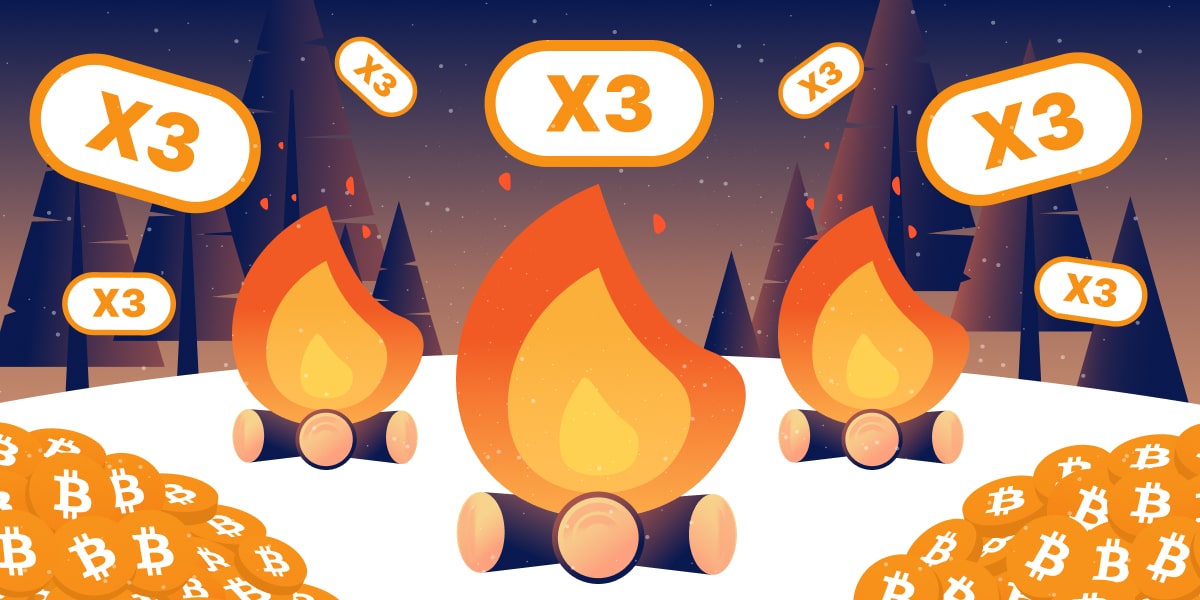
X3 cashback achieved! The campfire has heated up

Over the past few weeks, the cashback has been rising and falling, and you proved that unity matters. You have reached X3 cashback for all purchases in crypto! Now all users across the ecosystem get this cashback thanks to you.

So, congratulations, campers! Remember: the journey isn’t over yet. The next stop is X4 cashback. Keep fueling the fire, stay active and contribute to the total.

Check the forecast and don't let the cashback drop. Reaching the top is nicer together!

Push the Cashback Up

Published: 21.03.2025

Recently Added

Faster and Steadier: CryptoTab Farm Upgraded
USEFUL TIPS

Faster and Steadier: CryptoTab Farm Upgraded

Let us announce: we have just improved the CryptoTab Farm, so managing the farm from your smartphone has gotten even simpler, more convenient, and more intuitive.
How to add miners using a QR code?
USEFUL TIPS

How to add miners using a QR code?

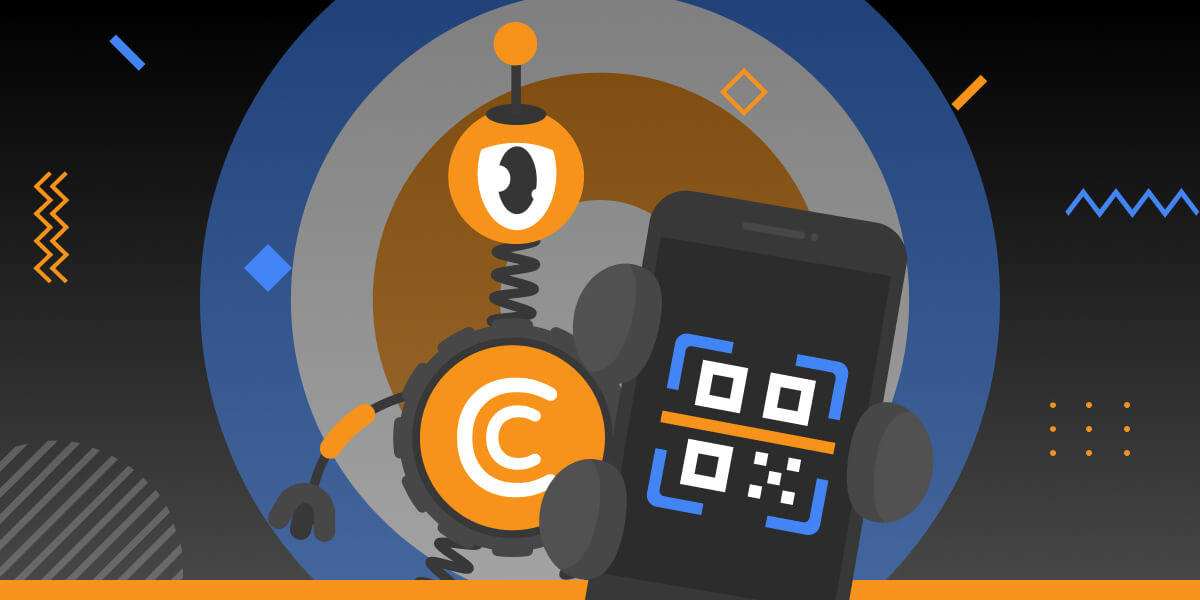
You can start mining with your computer for free and connect it to your farm later at any time. If you want to connect a computer to your farm dashboard via QR code, read the instruction below
How to add miners after I installed CryptoTab Farm app?
USEFUL TIPS

How to add miners after I installed CryptoTab Farm app?

With CryptoTab Farm you can have an unlimited number of miners added to your farm. Don’t know where to start and how to connect your computer? Don’t worry, we will explain everything.
Scroll to top