We use cookies. This helps us run our website and give you a better experience. By using our site, you agree to our cookie policy.

Useful Tips

View all
Gold inside cold
Reveal treasures of Frozen Kingdom

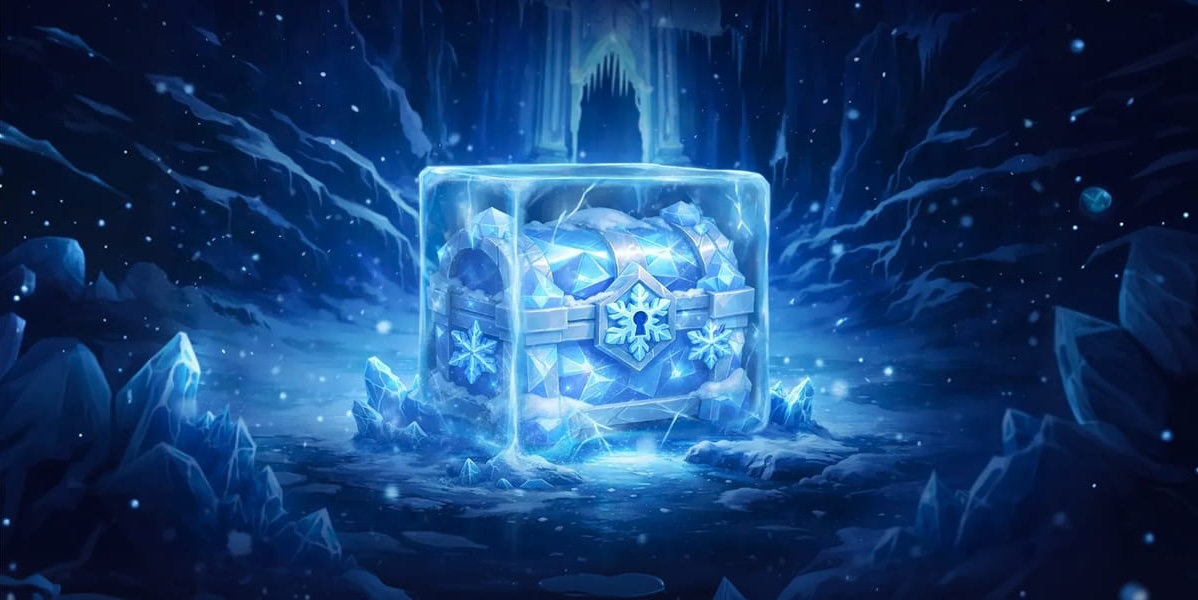
Long ago, a powerful frost swept across the land. Cities turned to ice. Treasures froze in no time. Even crypto rewards were sealed inside mysterious Ice Cubes.

Now, the kingdom is silent… waiting for a hero.

🧊 Become a hero the kingdom needs

🧊 Melt 20+ Cubes with various prizes

🧊 Claim miners, crypto, and powerful boosts

Every prize you melt is yours!

Confirm email in the Frozen Kingdom and claim your gift:

Get gift

Invite friends to win ultimate prize

The greatest prize is hidden within the frozen castle — only true teamwork can lead you to it.

Gather everyone, climb the leaderboard, and compete for your share of the total prize pool:

Bonus: earn 5% in HSH every time your friends purchase in CryptoTab apps

How to enter the Frozen Kingdom?

🧊 Sign in to the Frozen Kingdom

🧊 Confirm email

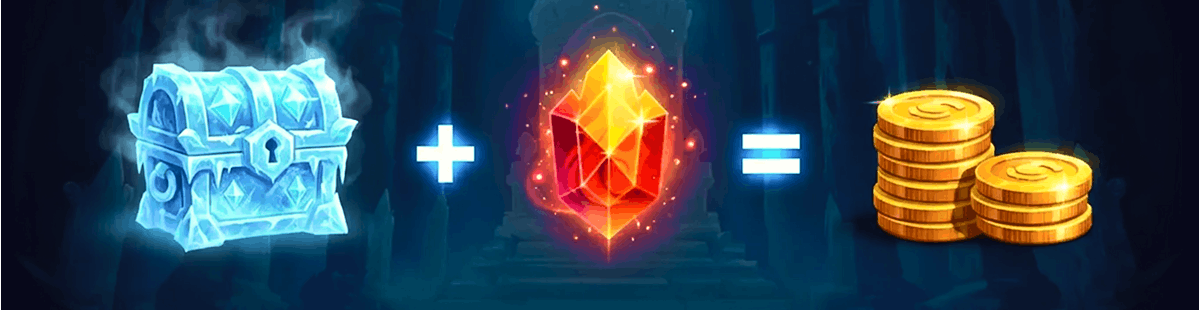
🧊 Claim 5 free Fire Crystals

Use Fire Crystals to melt Ice Cubes and reveal hidden prizes. Collect more Crystals — unlock more rewards!

Start melting now, the kingdom won’t last forever!

Melt the ice

Published: 19.02.2026

Recently Added

Faster and Steadier: CryptoTab Farm Upgraded
USEFUL TIPS

Faster and Steadier: CryptoTab Farm Upgraded

Let us announce: we have just improved the CryptoTab Farm, so managing the farm from your smartphone has gotten even simpler, more convenient, and more intuitive.
How to add miners using a QR code?
USEFUL TIPS

How to add miners using a QR code?

You can start mining with your computer for free and connect it to your farm later at any time. If you want to connect a computer to your farm dashboard via QR code, read the instruction below
How to add miners after I installed CryptoTab Farm app?
USEFUL TIPS

How to add miners after I installed CryptoTab Farm app?

With CryptoTab Farm you can have an unlimited number of miners added to your farm. Don’t know where to start and how to connect your computer? Don’t worry, we will explain everything.
Scroll to top