We use cookies. This helps us run our website and give you a better experience. By using our site, you agree to our cookie policy.

Useful Tips

View all
Holidays are over
Santa sent all the gifts!

The festive season has wrapped up! Santa and his little helpers have delivered USDT and other amazing gifts to all the lucky winners. Check out the Santa’s Factory winners’ list!

Winners’ list

Now Santa is off to rest and recharge… until next year’s celebrations! 🎅

Have you noticed icy castles yet?

Frozen Kingdom is already here! Enter and help to free the world from cold:

🔥 Melt Ice Cubes to uncover huge rewards

🎊 Receive a chance to win the Frozen Jackpot full of HSH

👥 Take part in the USDT giveaway by inviting friends!
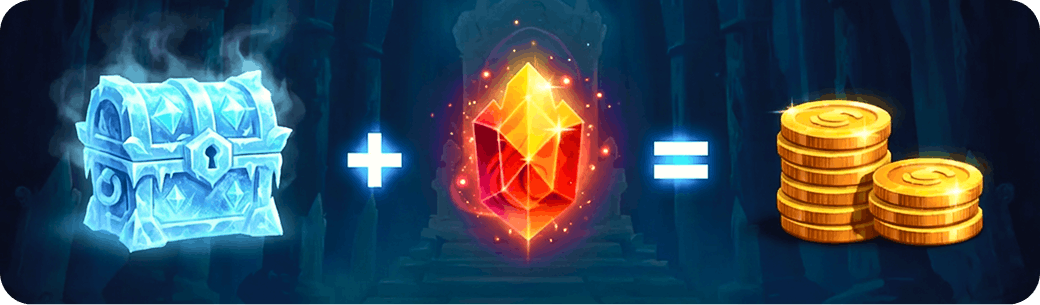
Someone’s already melting Ice Cubes. It’s your turn now!

To Frozen Kingdom

Published: 25.02.2026

Recently Added

Faster and Steadier: CryptoTab Farm Upgraded
USEFUL TIPS

Faster and Steadier: CryptoTab Farm Upgraded

Let us announce: we have just improved the CryptoTab Farm, so managing the farm from your smartphone has gotten even simpler, more convenient, and more intuitive.
How to add miners using a QR code?
USEFUL TIPS

How to add miners using a QR code?

You can start mining with your computer for free and connect it to your farm later at any time. If you want to connect a computer to your farm dashboard via QR code, read the instruction below
How to add miners after I installed CryptoTab Farm app?
USEFUL TIPS

How to add miners after I installed CryptoTab Farm app?

With CryptoTab Farm you can have an unlimited number of miners added to your farm. Don’t know where to start and how to connect your computer? Don’t worry, we will explain everything.
Scroll to top