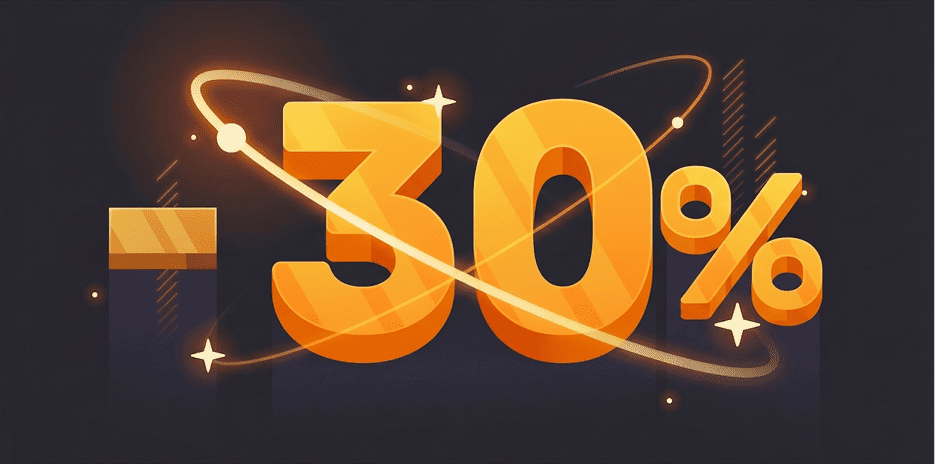
The market is rising while we’ve reduced prices across all CryptoTab products by up to 30%! Keep earning at lower costs. Pay with crypto or subscribe — don’t miss your chance!
Let us announce: we have just improved the CryptoTab Farm, so managing the farm from your smartphone has gotten even simpler, more convenient, and more intuitive.
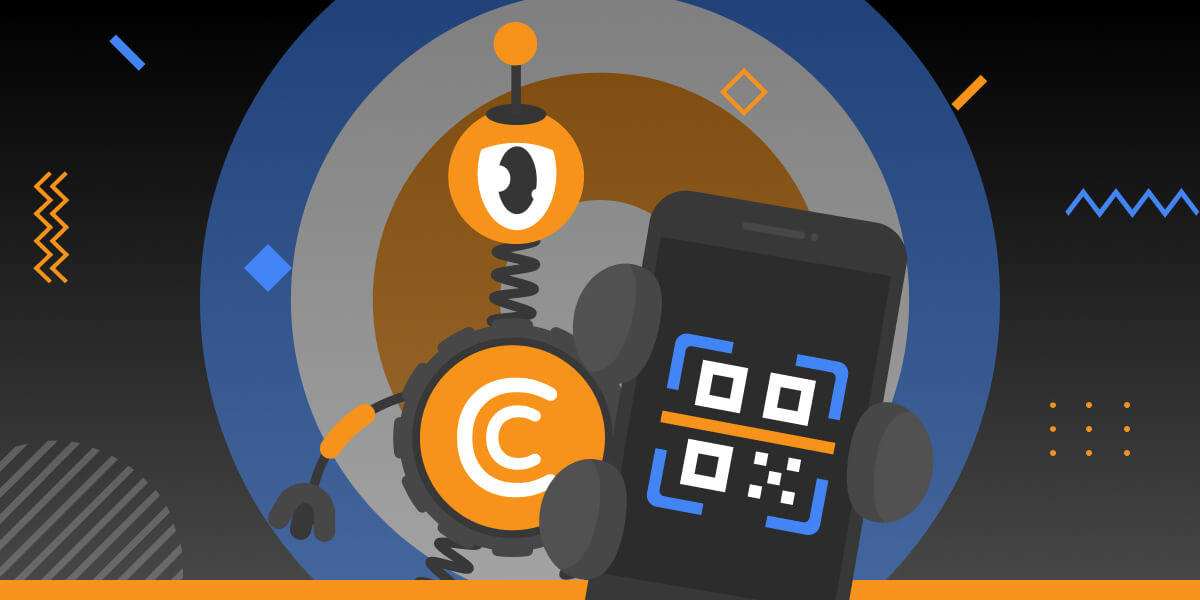
You can start mining with your computer for free and connect it to your farm later at any time. If you want to connect a computer to your farm dashboard via QR code, read the instruction below
With CryptoTab Farm you can have an unlimited number of miners added to your farm. Don’t know where to start and how to connect your computer? Don’t worry, we will explain everything.
 en
en de
de
 fr
fr
 es
es
 it
it
 ru
ru
 pt
pt