en
en de
de
 fr
fr
 es
es
 it
it
 ru
ru
 pt
pt
Useful Tips
View allHow to add miners after I installed CryptoTab Farm app?
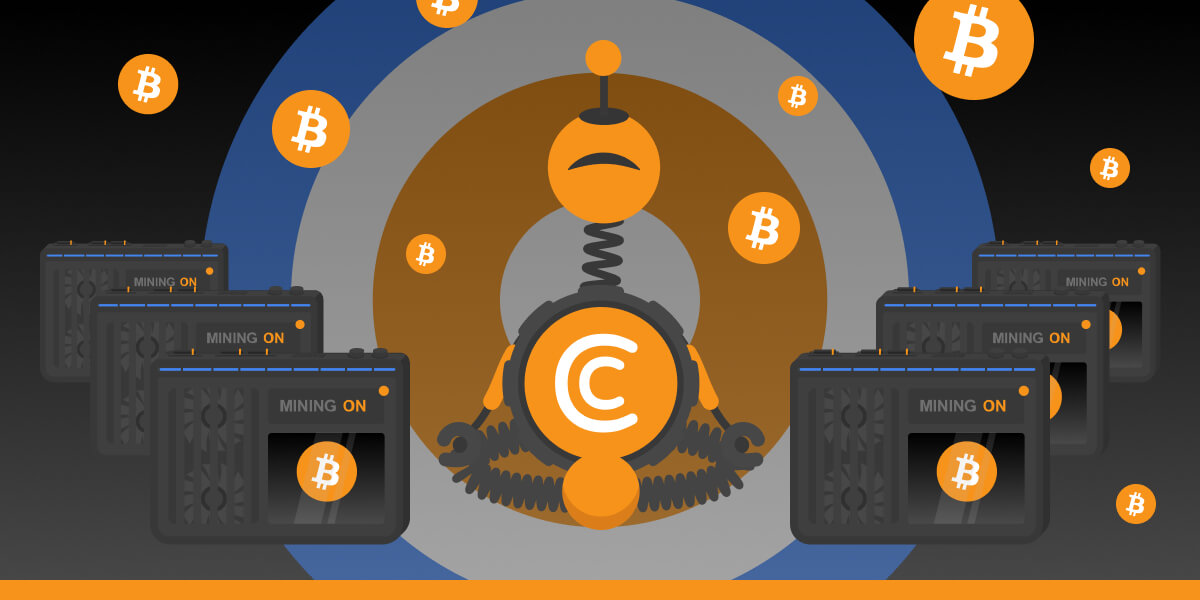
With CryptoTab Farm you can have an unlimited number of miners added to your farm. Don’t know where to start and how to connect your computer? Don’t worry, we will explain everything.
There are several ways to add miners to your farm. If you want to connect a device using an ID code, read the instruction below.
1. Open the dashboard and tap the Add Worker button. Choose Copy New Worker ID and you’ll see a miner ID.
2. Open https://cryptotab.farm/download/ at the computer you want to install the program to.
3. Type miner ID at the opened website page.
4. Download and install CryptoTab Farm mining software. The mining process will automatically start right after the installation.
If you want to connect a device using a link, you need to:
1. Open the dashboard and tap the Add worker button. Choose Get The Setup Link. This will copy the miner’s ID unique link to your phone’s clipboard. Then send it to the computer in any manner you like, e.g. email or messenger.
2. Follow the link on the computer you want to mine with and click Download.
3. Install the CryptoTab Farm mining program. And now you are ready to mine!
You can also share the link and send it to another user's computer.
1. Tap Share Setup Link.
2. Send the link to the computer. Use any sharing tool you want - messengers, social networks, task boards, an email.
3. The person who received the link can now install the CryptoTab Farm mining program. That’s it!
Check our
Earn more and have fun with CryptoTab Farm!
INSTALL