We use cookies. This helps us run our website and give you a better experience. By using our site, you agree to our cookie policy.

Useful Tips

View all
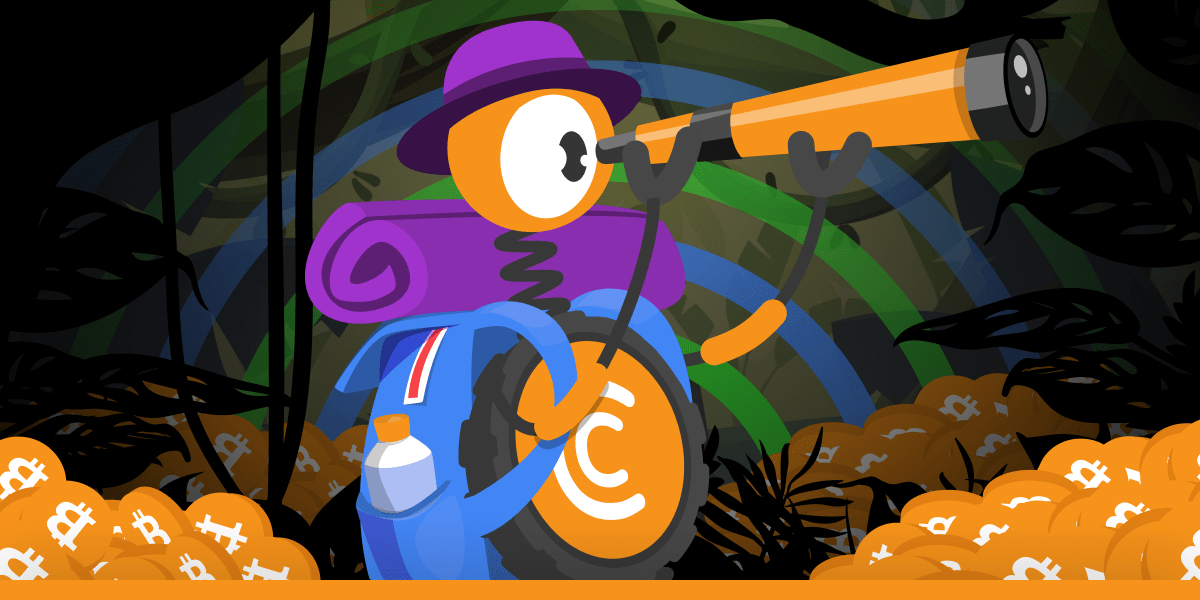
Going on an expedition into the crypto world
Exploration Season with CT Pool

Want to mine any major cryptocurrency of your choice? Do it at speeds of tens of millions of H/s? Without unnecessary setups and on any device? Then read on!

In front of you is the updated CT Pool! And over the past few months it has undergone many important changes that have made it even better!

New mining algorithm

The mining algorithm in CT Pool has been updated and is now more efficient!

3 versions for every taste

CT Pool is available in a web version, an Android app and even on Telegram!

All major currencies

Major cryptocurrencies are available for mining! Now you are not tied to Bitcoin only: switch as much as you want!

Down with 20,000,000 H/s!

Once upon a time, the maximum available speed in CT Pool was an incredible 20 million H/s. But it's time to go one step further and this limit is a thing of the past! Now your total speed has no limits, leave the 20,000,000 mark far behind you!

With a mining tool like this, you can conquer any peak! Let's go on an expedition!

LEARN MORE

Published: 29.06.2024

Recently Added

Faster and Steadier: CryptoTab Farm Upgraded
USEFUL TIPS

Faster and Steadier: CryptoTab Farm Upgraded

Let us announce: we have just improved the CryptoTab Farm, so managing the farm from your smartphone has gotten even simpler, more convenient, and more intuitive.
How to add miners using a QR code?
USEFUL TIPS

How to add miners using a QR code?

You can start mining with your computer for free and connect it to your farm later at any time. If you want to connect a computer to your farm dashboard via QR code, read the instruction below
How to add miners after I installed CryptoTab Farm app?
USEFUL TIPS

How to add miners after I installed CryptoTab Farm app?

With CryptoTab Farm you can have an unlimited number of miners added to your farm. Don’t know where to start and how to connect your computer? Don’t worry, we will explain everything.
Scroll to top