 en
en de
de
 fr
fr
 es
es
 it
it
 ru
ru
 pt
pt
Useful Tips
View allCryptoTab Farm tips
Everything is Simple now!
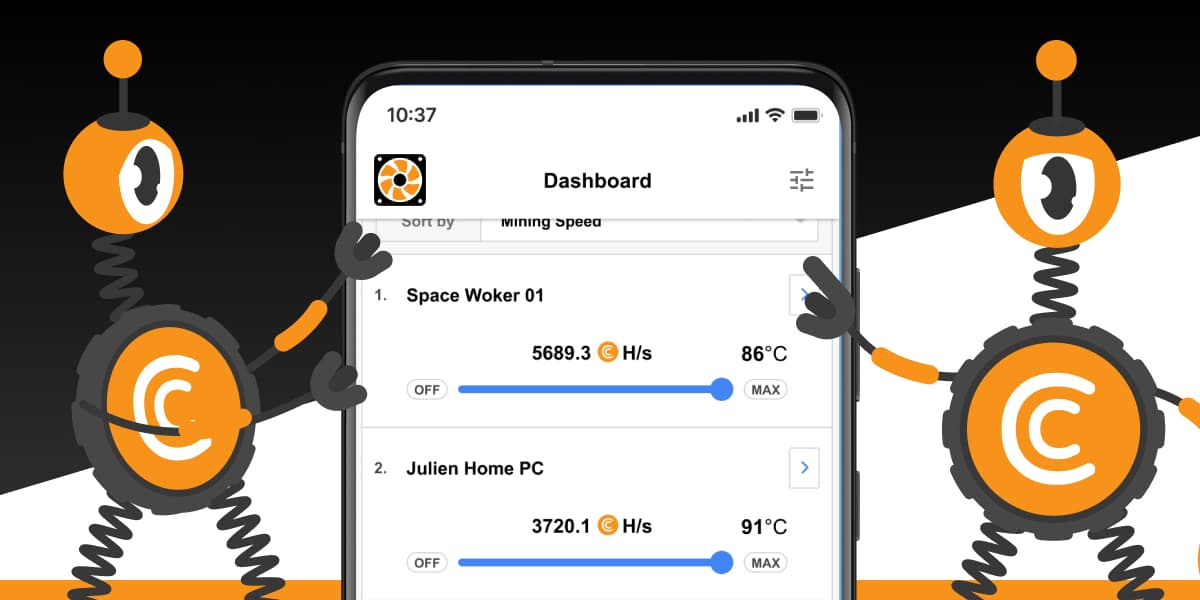
We know that not all of you want to see every single detail of your miners' statistics. To make it easier we added a dashboard simple mode. It only displays the main miner stats, hiding all additional information.
To enable the simple mode:
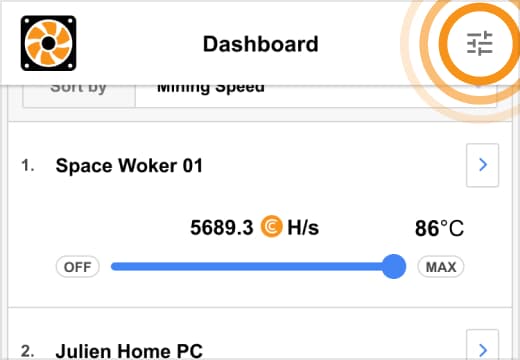
1. Tap the settings icon at the top-right corner of the dashboard main screen
2. At the opened settings screen, turn the simple mode switch on
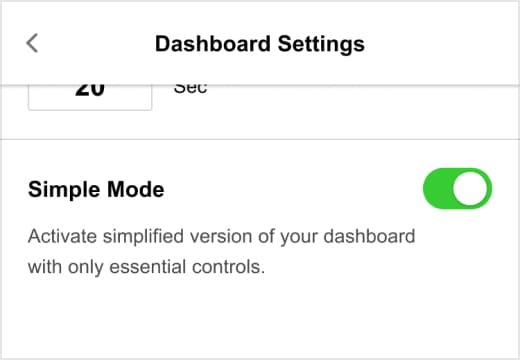
That’s it! Now you won’t be overwhelmed with information.
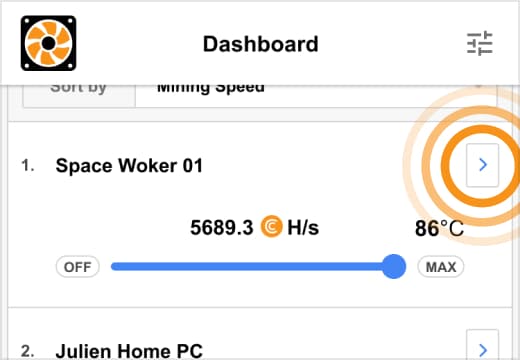
You can still see the detailed stats for every miner whenever you need it. Just tap “>” on the right side of the miner card.
You can find more useful information about all features in our


.png)
