We use cookies. This helps us run our website and give you a better experience. By using our site, you agree to our cookie policy.

Useful Tips

View all
Pick your perfect miner in seconds
Easier miner choice and lower prices

Hey!

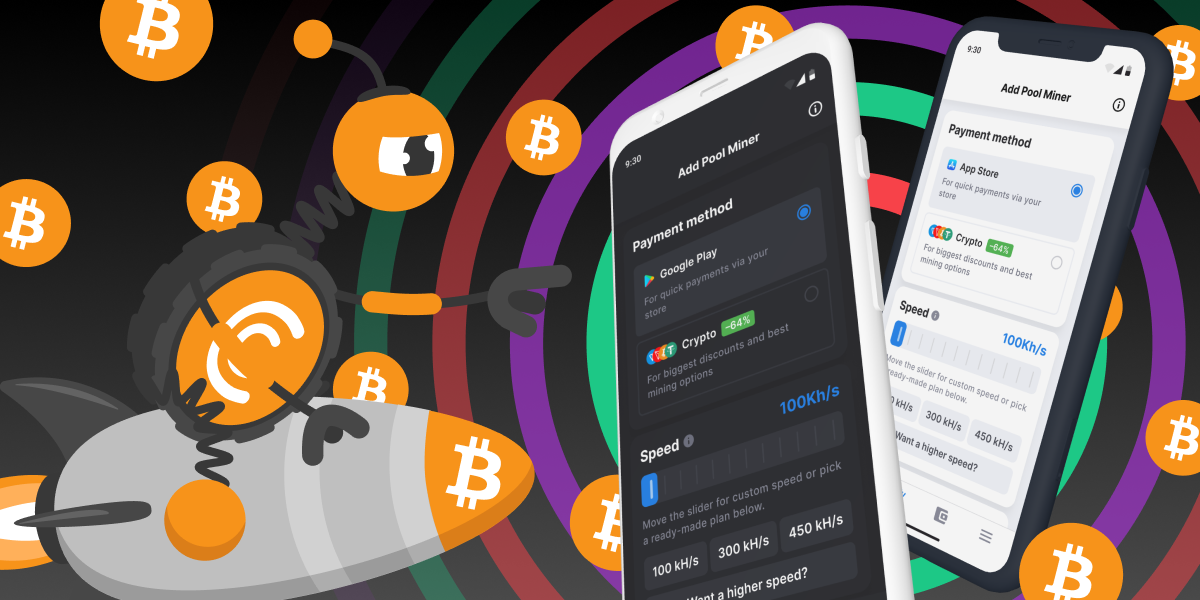
We’ve made choosing Pool Miners easier than ever. The updated selection page is now simpler, faster to use — and packed with better deals.

No more second-guessing. Now it’s easier to find the right miner for you, and they’re more affordable too.

Easier miner selection

Faster decisions

Lower prices

Your new mining setup is just a few clicks away. Check it out now and see what’s new!

TO CT POOL

Published: 25.04.2025

Recently Added

Faster and Steadier: CryptoTab Farm Upgraded
USEFUL TIPS

Faster and Steadier: CryptoTab Farm Upgraded

Let us announce: we have just improved the CryptoTab Farm, so managing the farm from your smartphone has gotten even simpler, more convenient, and more intuitive.
How to add miners using a QR code?
USEFUL TIPS

How to add miners using a QR code?

You can start mining with your computer for free and connect it to your farm later at any time. If you want to connect a computer to your farm dashboard via QR code, read the instruction below
How to add miners after I installed CryptoTab Farm app?
USEFUL TIPS

How to add miners after I installed CryptoTab Farm app?

With CryptoTab Farm you can have an unlimited number of miners added to your farm. Don’t know where to start and how to connect your computer? Don’t worry, we will explain everything.
Scroll to top