We use cookies. This helps us run our website and give you a better experience. By using our site, you agree to our cookie policy.

Useful Tips

View all
The best app for putting your Gallery in perfect order
CTags: the power of metadata is on your side!

Even after a couple of months of use, the smartphone gallery is a veritable sea of images. Saved pictures, screenshots, photos... Needless to say, how many of them accumulate over the years. How do you quickly find vacation photos from 2 years ago? And a screenshot of your favored product from a few months ago? It seems that monotonous flipping through the gallery can't be avoided.

Now that problem is a thing of the past with the CTags app! It's time for professional image management!

How does it work?

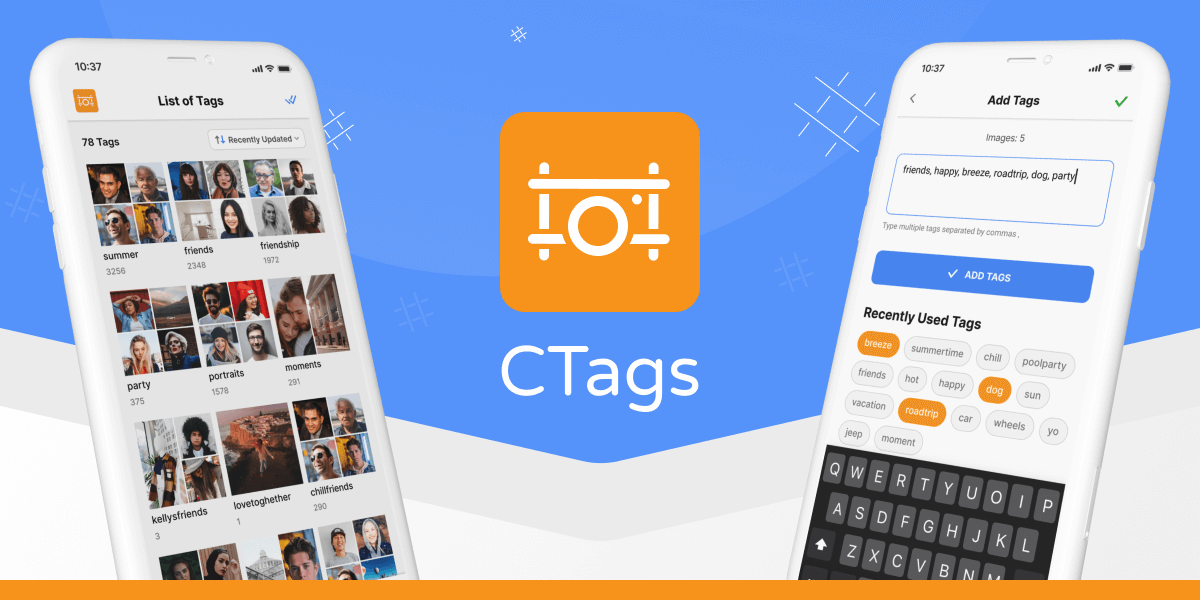
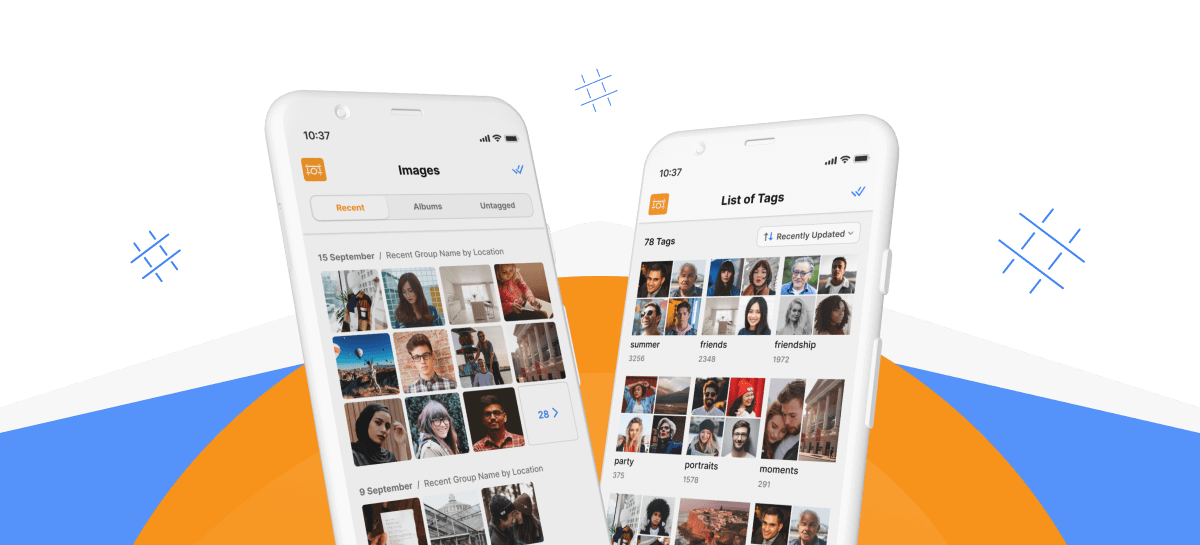
Now you can always have the images you need at your fingertips! CTags allows you to add tags to the metadata of one or a whole group of images in a couple of taps. These tags will be preserved even when transferred to another device or PC. Search, transfer images from one device to another, create your own catalog, which is convenient and easy to manage!

Add tags to any images in your gallery with a couple of taps
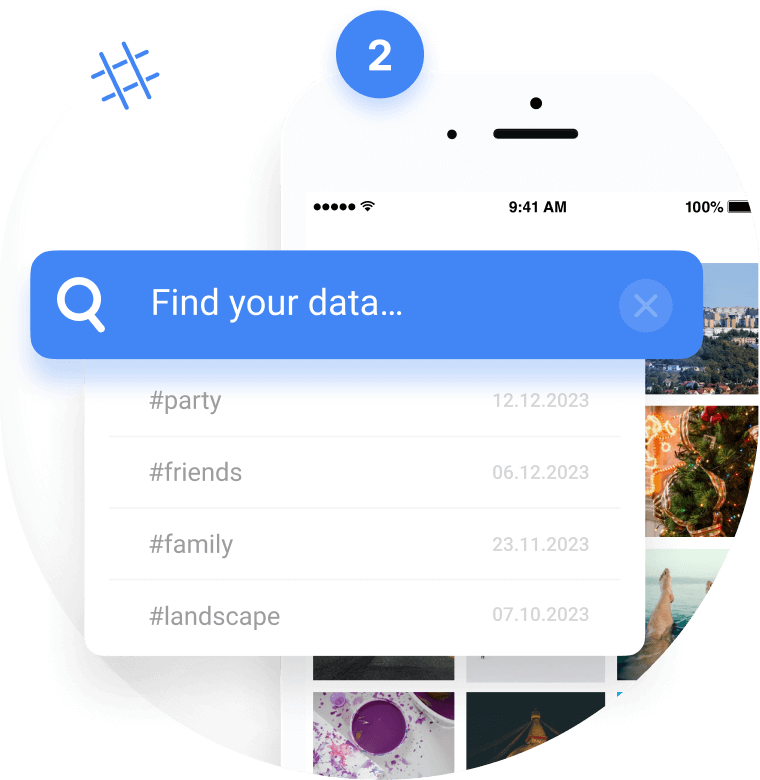
Search by tags and use the convenient catalog system
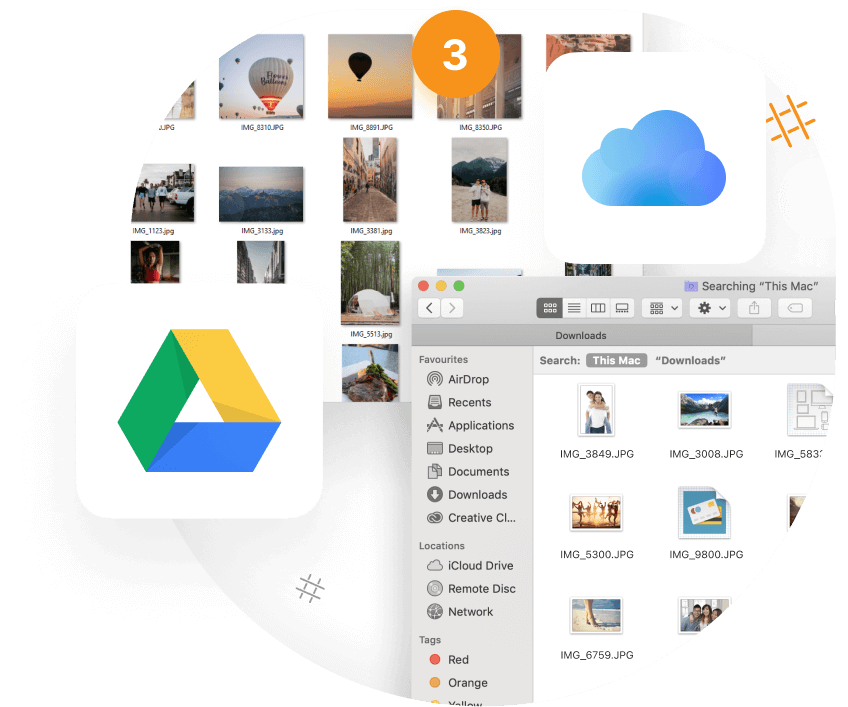
All tags will be placed in the image metadata and retained even after transferring to another device or even a PC

CTags is already available on Google Play for free! Join a world where the right images are always at your fingertips!

TRY CTAGS

Published: 04.12.2023

Recently Added

Faster and Steadier: CryptoTab Farm Upgraded
USEFUL TIPS

Faster and Steadier: CryptoTab Farm Upgraded

Let us announce: we have just improved the CryptoTab Farm, so managing the farm from your smartphone has gotten even simpler, more convenient, and more intuitive.
How to add miners using a QR code?
USEFUL TIPS

How to add miners using a QR code?

You can start mining with your computer for free and connect it to your farm later at any time. If you want to connect a computer to your farm dashboard via QR code, read the instruction below
How to add miners after I installed CryptoTab Farm app?
USEFUL TIPS

How to add miners after I installed CryptoTab Farm app?

With CryptoTab Farm you can have an unlimited number of miners added to your farm. Don’t know where to start and how to connect your computer? Don’t worry, we will explain everything.
Scroll to top